Why I built it
These days I update a lot of product pages. Each time, I need screenshots of them: the full page, the parts that changed, and the page on a phone.
The websites that take page screenshots all make you create an account first. Then they load your pages on their own servers.
I wanted a tool that runs on my own computer. So I built pagesnap. You type a URL, you get the full page as an image, and everything stays on your computer.
What it does
- Full-page captures that look right. pagesnap scrolls the page to load lazy images and closes cookie banners. It shows sticky headers one time instead of on every screen. It saves PNG, JPEG, or PDF.
- Split into parts. pagesnap makes one image per screen, per section of the page, per fixed height, or per element that you select. Each cut goes in a gap between content, so no cut goes through a line of text.
- A whole site in one command. Give pagesnap a list of URLs, or only an address like
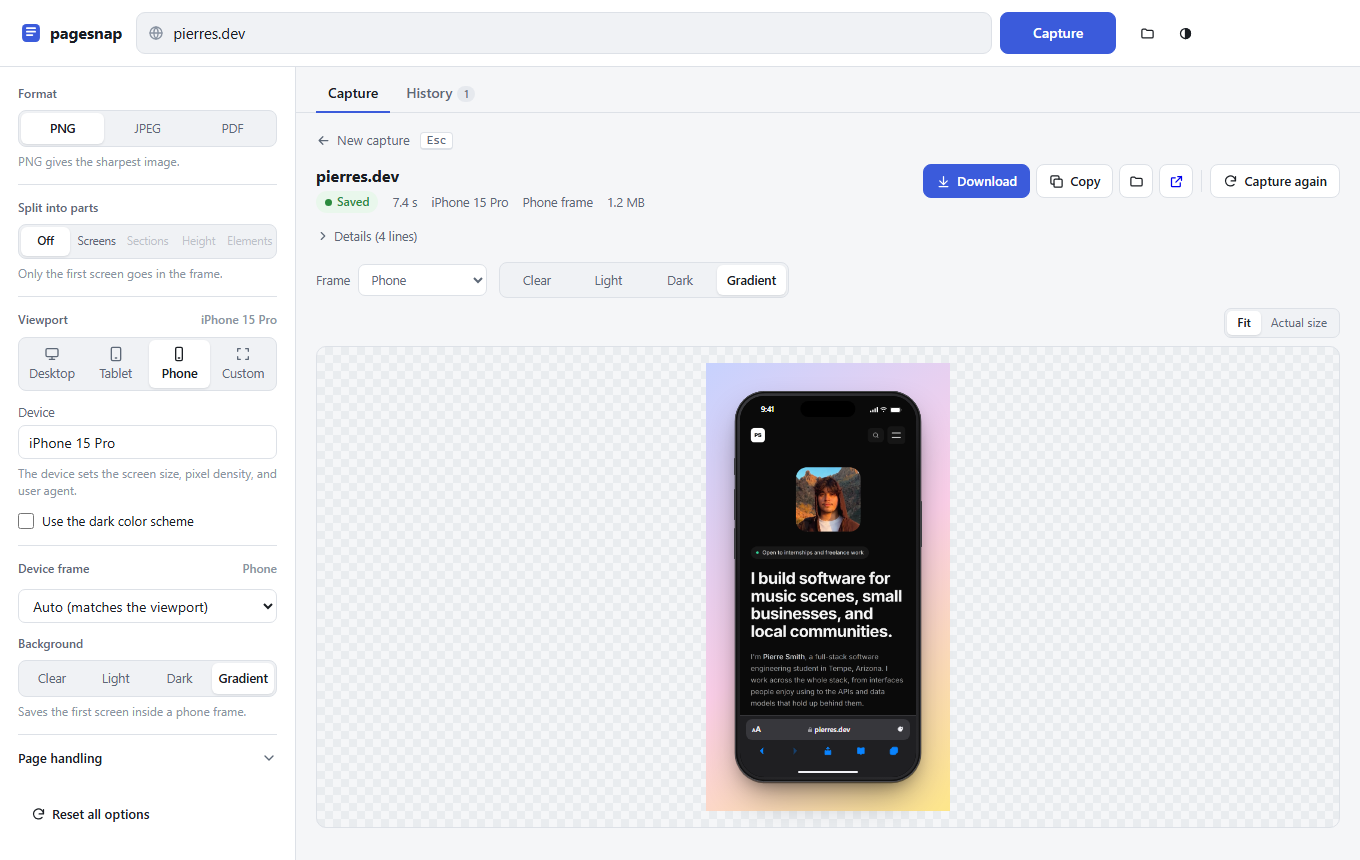
example.com/blog, and it captures every page. It reads the site's sitemap to find the pages. With no sitemap, it follows the links on the site. Several pages load at the same time in one browser, and one page that fails does not stop the others. - Device frames. pagesnap can put the capture in a phone, tablet, laptop, or browser window. The background can be clear, light, dark, or a gradient, and you set the clock and the date on the status bar. The frames draw at the capture's pixel density, so a 3× phone capture stays sharp.
- Frame what you already have.
pagesnap frameputs an image you saved earlier in a device, without loading the site again. It takes one or two seconds, against five to twenty for a new capture. So you can try a phone, a tablet, and a laptop in less time than one new capture takes. - A CLI and a local web UI. Every feature works from the terminal, on Windows, macOS, and Linux.
npm run uiopens a small app in the browser with live progress, a preview, and a capture history. In the UI, you change a frame and the preview redraws while you type. The server saves the new image half a second later. - Lists you can watch and manage. In the UI, you paste a list of URLs or click Find pages to fill it from a site. Before you start, it estimates how long the list will take, from the time of your recent captures. While it runs, each page has its own card with its progress, and you can cancel one page without stopping the rest. When it ends, Download all gets every page in one ZIP file, and Try again captures only the pages that failed.
- A history that stays tidy. History groups the pages of a list into one card that you can name and search. You can select many captures at once and delete them. Undo (or Ctrl+Z) brings them back for six seconds before their files go.
How it's built
pagesnap is a Node.js project with one dependency: Playwright, which controls a headless Chromium.
- Engine: small modules, one for each step of a capture. The steps are: load the page, close cookie banners, scroll, fix the layout, find where to cut, and write the files.
- Web UI: plain ES modules, with no build step and no framework.
- Site finder: it reads sitemaps first, including sitemap indexes and
.xml.gzfiles. Without one, it follows links up to four levels deep, stays on the same site, and obeysrobots.txt. - Server: it listens only on
localhost, runs up to three captures at a time with the rest in a queue, and sends progress to the page as it happens.
The device frames are plain HTML and CSS in one module. The server uses that module to make the saved images. The web UI imports the same file to draw the live preview, so the preview and the download match.
What I learned
"Take a full-page screenshot" is one line of code, and often the result is wrong. The browser function exists, but real pages make it fail:
- Images load only when you scroll to them.
- Infinite feeds never end.
- Cookie banners lock the page.
- Fixed headers repeat or float.
- A hero that fills the screen grows tall when the "screen" becomes the full page.
- Chromium cannot make one image taller than about 16,000 pixels.
Each problem needed its own fix. I also needed a test page that has all of these problems at the same time.
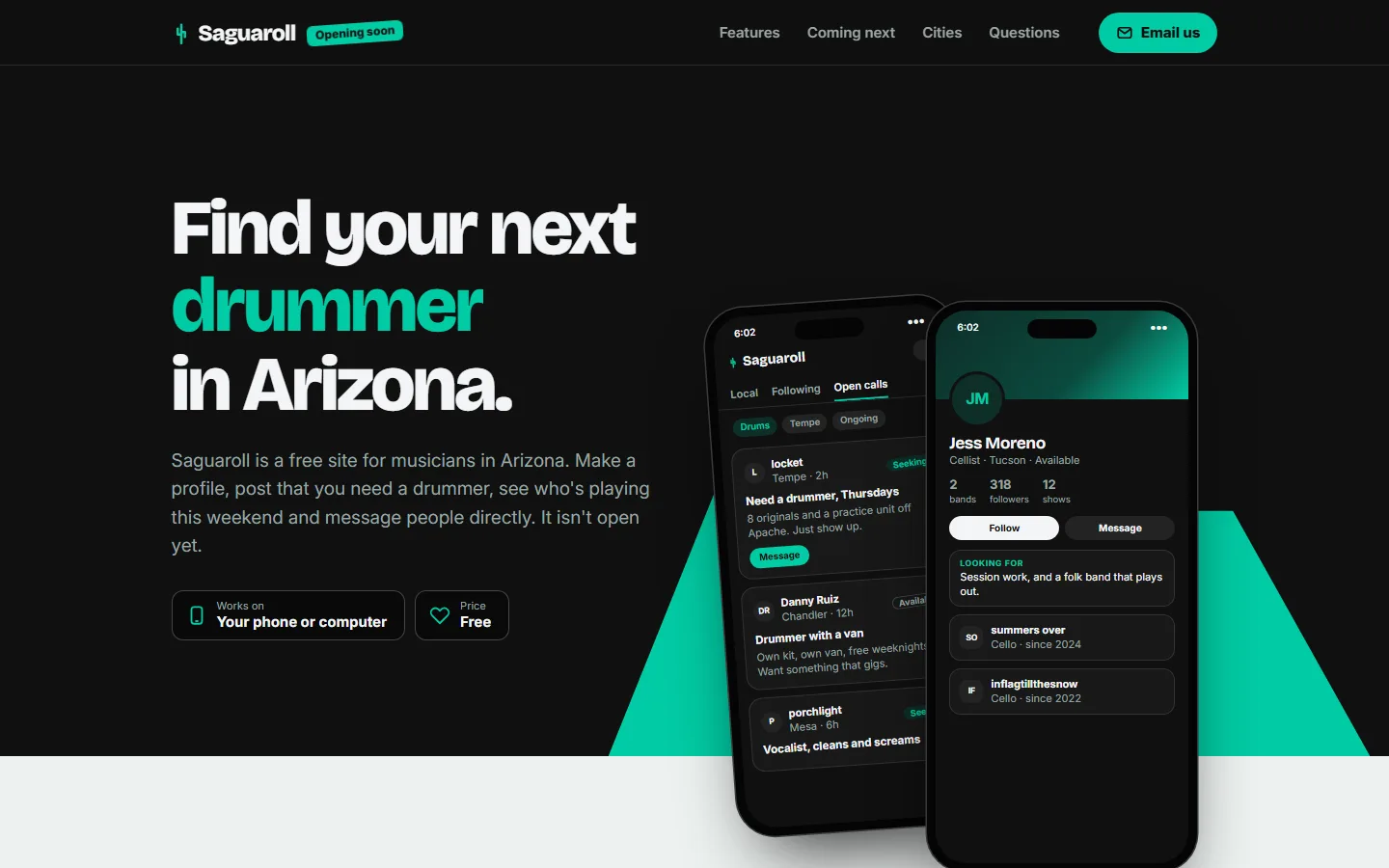
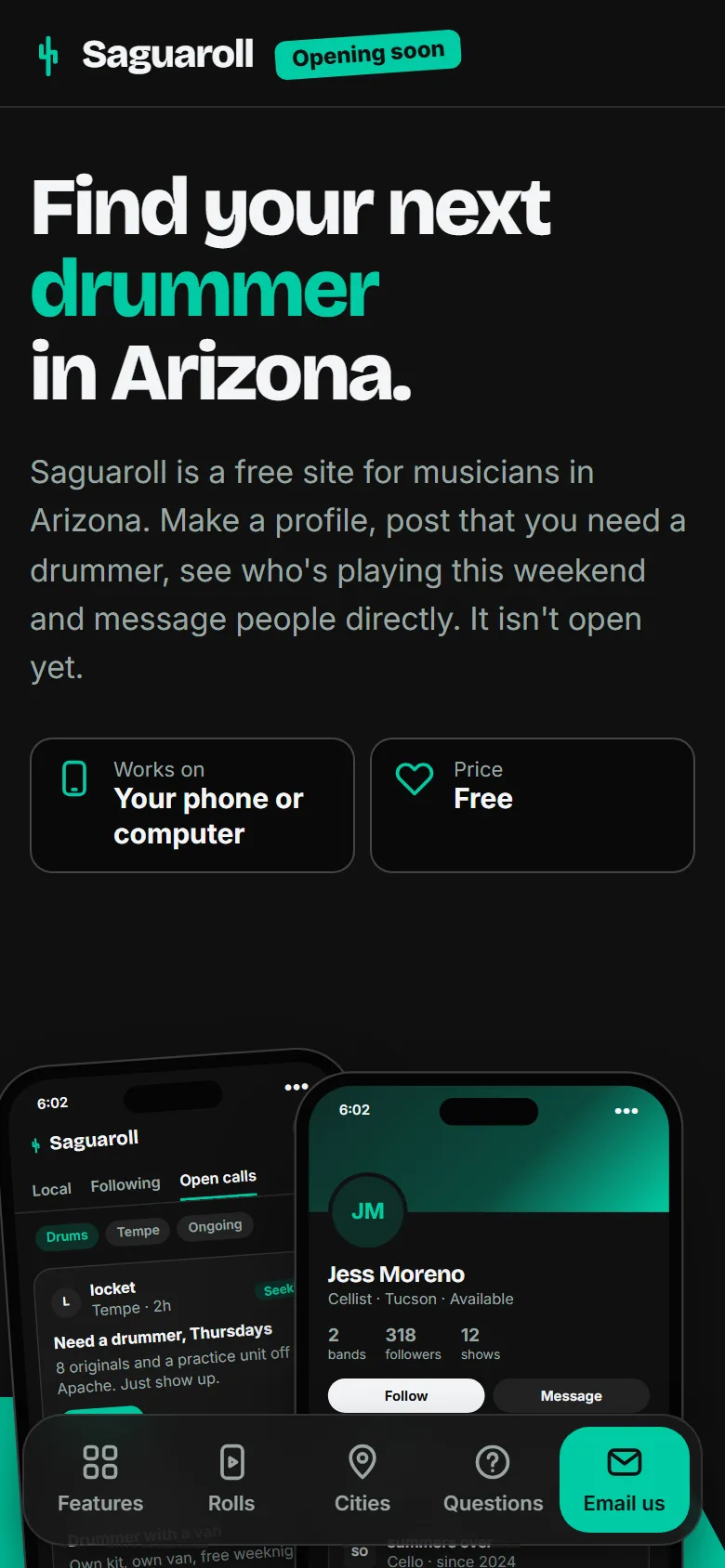
My own site was the first to break it. The first capture of Saguaroll (opens in a new tab) had a large empty gap in the middle. The sections on that page fade in as you scroll, with CSS scroll-driven animations. pagesnap returns to the top before it captures, so every section below the first screen became invisible again. The fix has two parts. pagesnap asks the page for reduced motion, and it stops scroll-driven animations before it captures. I did not know that this CSS feature could hide content from a screenshot. Then it hid mine.
To split a page well, you must read its layout, not count pixels. A cut every 900 pixels goes through text and cards. So before it cuts, pagesnap scans the page one row of pixels at a time:
- It never cuts a row inside a line of text or an image.
- It avoids a row inside a card or a paragraph.
- It moves each cut up to the best gap nearby.
To find the "sections" of a page was harder. Real pages showed me the problems. GitHub puts its full page inside five nested divs, and Wikipedia puts the article between two sidebars.
Draw it one time, and use that code everywhere. At first, only the server could draw the device frames. To change a phone frame to a laptop, you had to capture the site again. I moved the frames into one module with no Node dependencies, so the browser can import the same code. Now a change shows on the screen at once, and the server saves the real image half a second later.
To find the pages of a site, ask the site first. A sitemap is the site's own list of its pages, so pagesnap reads it before anything else. Many sites have none, so pagesnap can also follow links. That path needs rules, or it captures the wrong things:
- It skips files like PDFs and images, and login and cart pages.
- It drops
?querycopies of a page that it already has. - It obeys the pages that
robots.txtdisallows.
Some sites build their links with JavaScript, so the HTML has none. For those, pagesnap opens the first page in the browser and reads the links from there. It also prints the list before it captures anything, so you can check it and edit it first.
A local tool needs security too. Other websites that you have open can send requests to a server on localhost. pagesnap refuses a request that comes from another site, and a request for a host that is not this computer. It serves files only from its own folder. The UI has a strict content security policy. So the device frames draw in a shadow DOM, and script sets their styles instead of inline styles.
Shared files need care. I ran two copies of the UI on the same folder, and one copy overwrote the other copy's history without a warning. The fix has two parts. Each copy reads the file again before every write. Each copy also writes to a temporary file first and then renames it, so no copy ever reads a half-written file.
Error messages are part of the product. Most people cannot understand "net::ERR_NAME_NOT_RESOLVED". pagesnap says: "The page did not load. The server name was not found. Check the URL." I rewrote every error and hint to say what happened and what to do next.
Where it stands
pagesnap does the job that I built it for, and I use it for my own product pages. It started as a tool for one page at a time. Now it captures a whole site in one command and frames the results in seconds. Two limits remain: pages behind a login, and sites that show a block page to headless browsers. The code is on GitHub (opens in a new tab) and runs on any computer with Node.js. To use it, clone the repository, run npm install, and capture a page.